
Try the workflow.
Understand the next step.
Explore four everyday invoice situations. Make a decision, see what changes and learn what your team needs to check.
A safe place to explore.Illustrative sample data. No invoices, payments or business records leave this page.
From review to delivery.
Review the sample, then follow it to the recipient. Delivery is one step in the process; payment is a separate event.
INV-SAMPLE-0042
- Customer
- Example customer
- Currency
- SGD
Activity record
- Invoice prepared
The reference, customer, line items and total are ready for a reviewer.
Current step - Details reviewed
Sample recipient details and totals have been reviewed. The next step demonstrates delivery.
Next in this example - Delivery simulated
The sample is marked received by the customer’s system. No actual invoice has been sent.
Next in this example
Take this into your implementation
For your setup, agree who reviews the invoice, how delivery is confirmed and who handles a failed transmission.
Resolve the issue before retrying.
An incomplete recipient record needs attention. Confirm the correct details before trying the transmission again.
INV-SAMPLE-0043
- Customer
- Example customer
- Currency
- SGD
Activity record
- Recipient not confirmed
This sample is missing a confirmed recipient Peppol ID. The invoice has not been delivered.
Current step - Sample details corrected
The fictional recipient record is now complete. In a real case, verify the details with the trading partner or directory.
Next in this example - Retry simulated
The corrected sample is marked delivered. Your real provider determines the retry and duplicate-check procedure.
Next in this example
Take this into your implementation
Check the trading partner’s registered Peppol details and supported document type. Follow your provider’s retry process to avoid duplicates.
Received does not mean approved.
A structured invoice can arrive in the inbox while still needing a business review. Keep that approval step visible.
BILL-SAMPLE-0086
- Supplier
- Example supplier
- Currency
- SGD
Activity record
- Sample bill received
The supplier bill is available for review. Receipt alone does not approve the purchase or authorise payment.
Current step - Purchase details checked
This example assumes the supplier, purchase reference and totals match the supporting records.
Next in this example - Approval recorded
The sample is approved for posting. Payment authorisation remains a separate control.
Next in this example
Take this into your implementation
Match the bill to the purchase and your approval policy. Verify bank-detail changes through your usual trusted channel before arranging payment.
Delivered and paid are different.
Start with a delivered invoice. Match a sample receipt before recording the payment against it.
INV-SAMPLE-0042
- Customer
- Example customer
- Currency
- SGD
Activity record
- Delivery already recorded
The customer’s system has received the sample invoice. No payment is recorded yet.
Current step - Sample receipt matched
A fictional receipt for S$1,090.00 matches this sample invoice. No bank account has been accessed.
Next in this example - Sample payment recorded
The sample payment status is now paid. This action moves no money and changes no real records.
Next in this example
Take this into your implementation
Reconcile payment using bank or payment records. A Peppol delivery status by itself is not evidence that money has arrived.
These examples illustrate business decisions, not a live product connection. Confirm your provider’s actual workflow, registration and GST submission setup. GST submission is a separate requirement where applicable and is not demonstrated by a delivery status here.
Turn the walkthrough into your plan.
Check where your business stands, then use the implementation kit to assign the work.
Have a workflow to discuss? Talk to the MUST team
One invoice. A clearer journey.
Follow a sample invoice from preparation and review to the sending step and status view. See the workflow, then explore the right setup for your business.
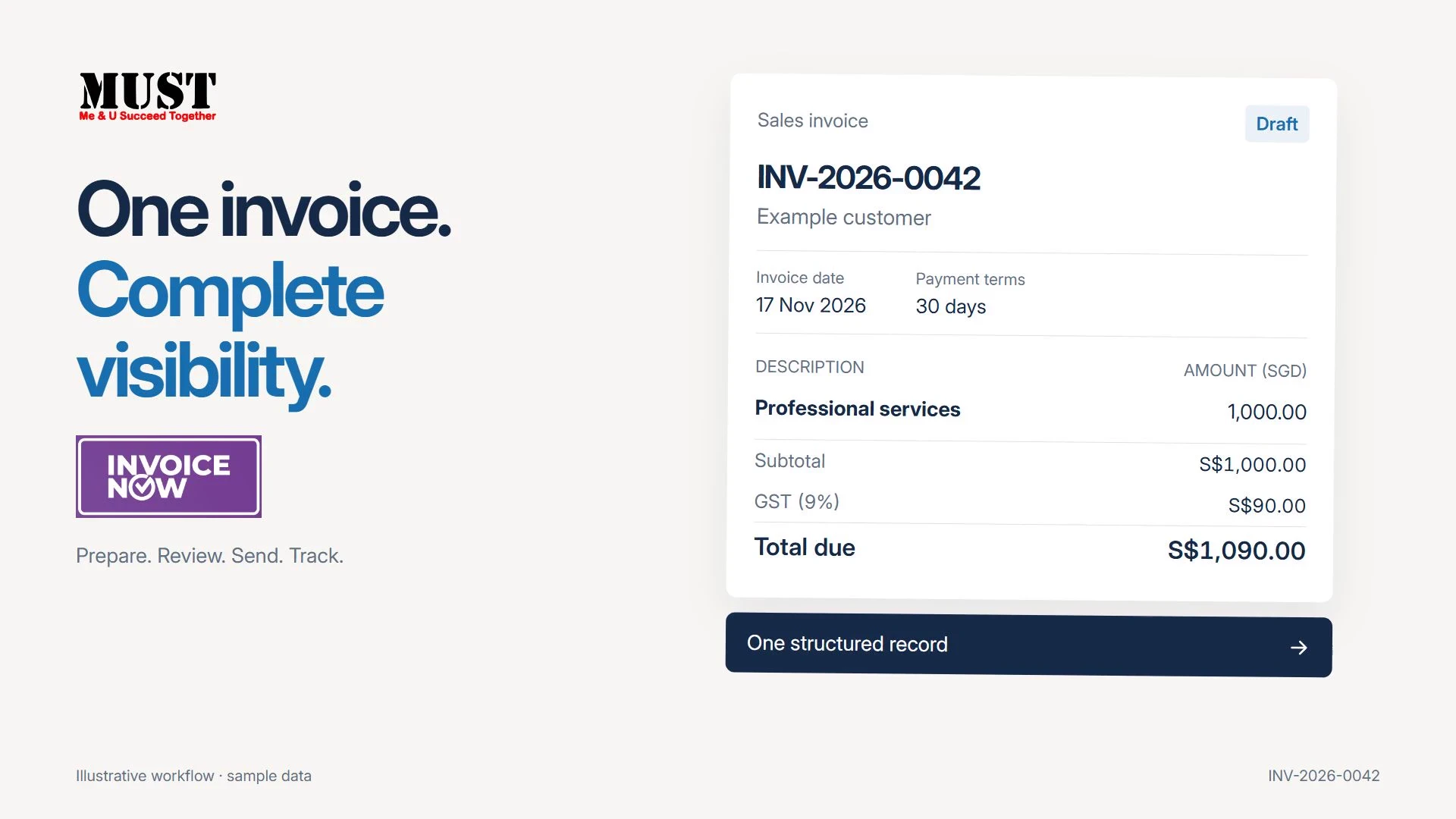 Watch product film 0:36
- 01 / PREPARE
Start with the details
Build a sample customer invoice.
- 02 / REVIEW
Check before sending
Review the recipient, items and total.
- 03 / SEND
Follow the next step
See an illustrative sending sequence.
- 04 / TRACK
Keep the record in view
Explore the sample status and activity view.
Illustrative sample only. Registration, deployment scope and IRAS reporting availability are confirmed with our team. Watch with transcript